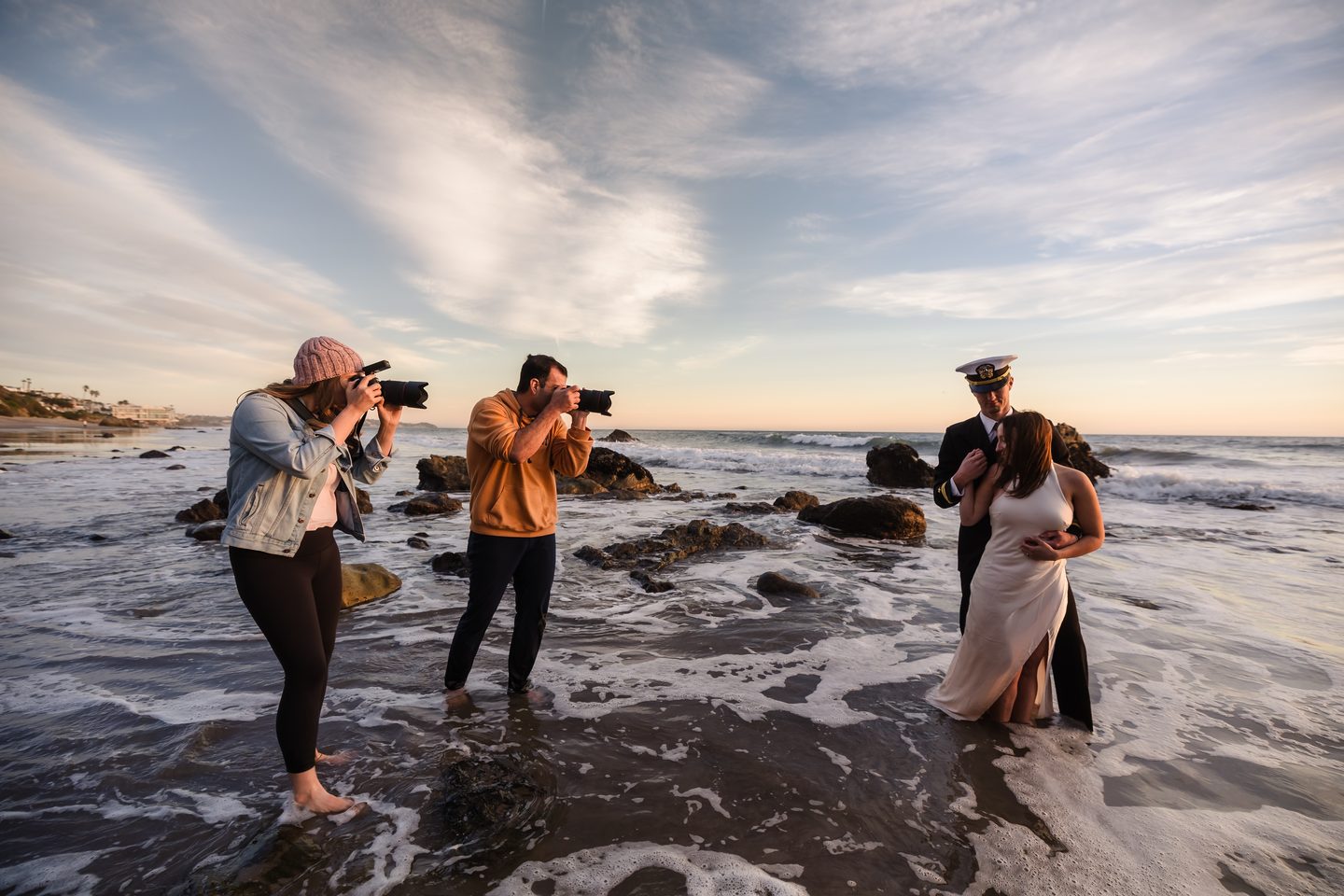
Three photographers standing in the surf at sunset, shooting a couple on the rocks.

Foundation posing with Pye Jirsa

Not another pose library.

Know exactly what to say to any couple — on any wedding day, in any light.

  • The complete Foundation Posing workshop — seven chapters, 57 lessons
  • Pose cards that give you the words to say, not just the picture
  • Save poses to boards and work them as a checklist on the day
  • The system Pye Jirsa built at Lin & Jirsa
Download on the App Store

7-day free trial. iOS 17 and later.

Inside the app

Everything in one place, for the day itself.

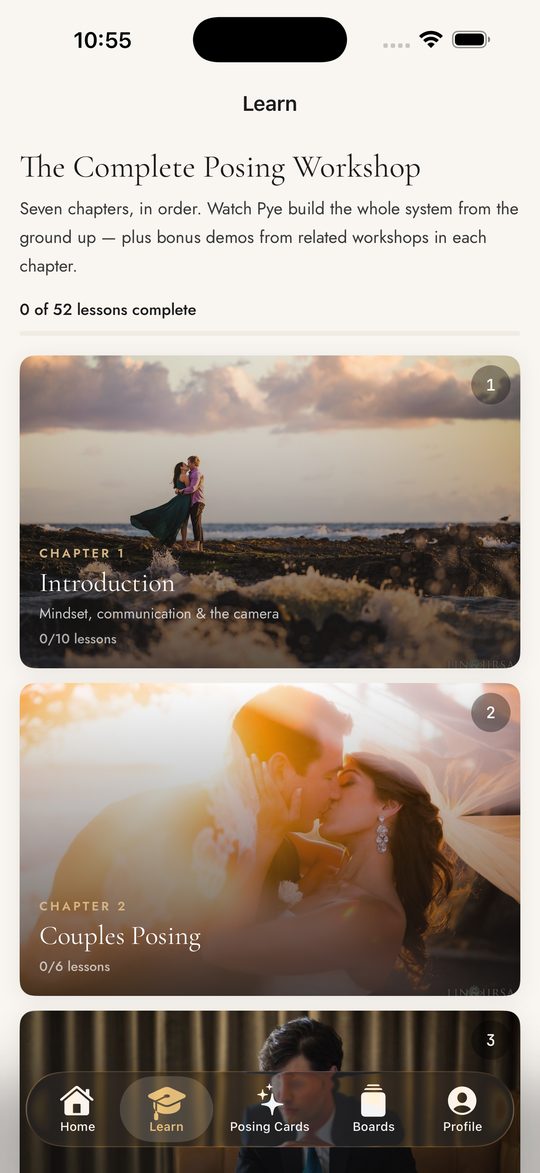
The Learn tab, showing workshop chapters as photo cards with lesson counts.
The workshop rebuilt as a path — chapter by chapter, with Pye’s demo in each lesson.
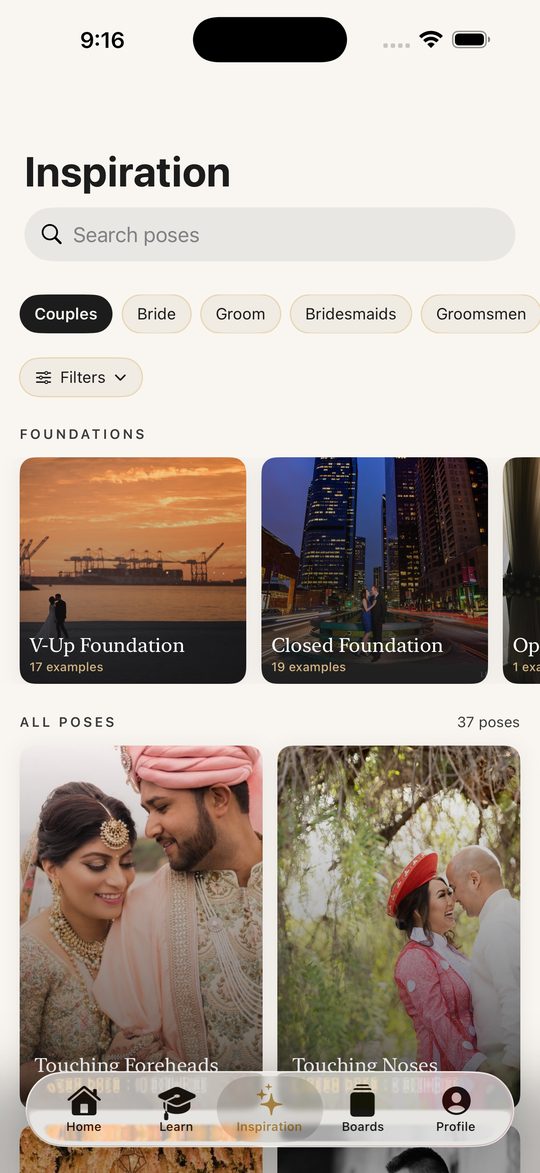
The Inspiration tab, showing pose cards grouped by foundation.
Browse by subject and foundation. Every image is a real Lin & Jirsa photograph.
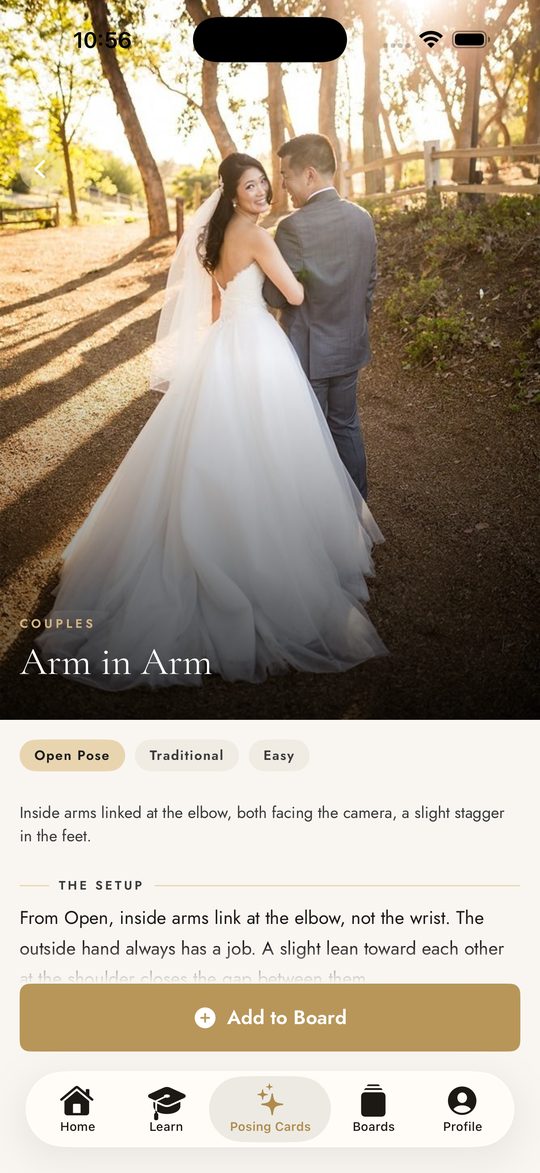
The pose card for Walking Away, One Leading, showing the photograph and the pose name.
Each card carries the prompt, the direction, the adjustments and Pye’s tip.
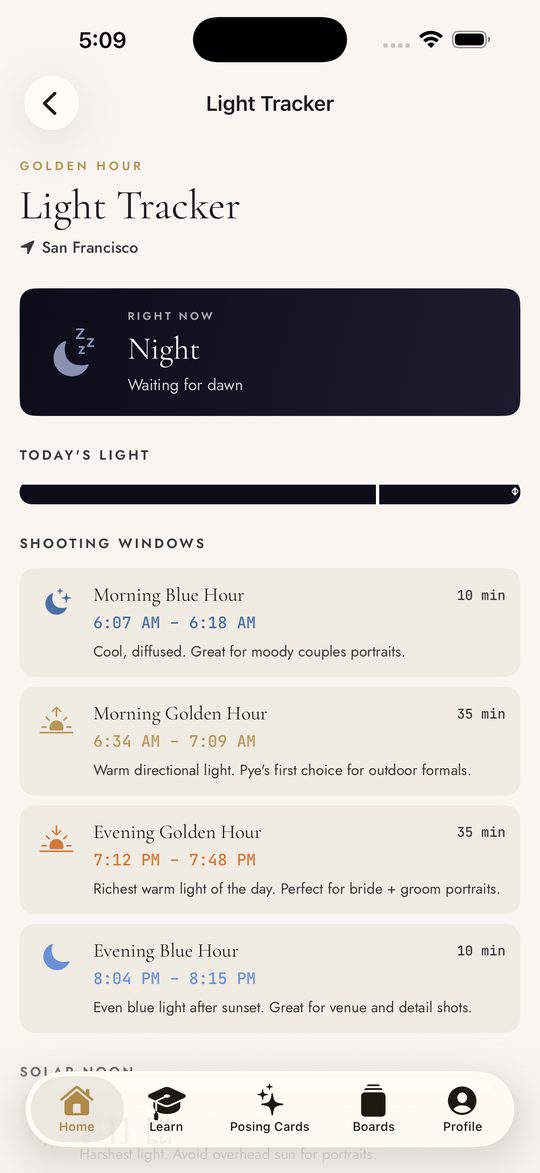
The Light Tracker, showing golden hour and sunset times for the photographer's current location.
Every shooting window for the day — golden hour, blue hour and solar noon, for exactly where you’re standing.
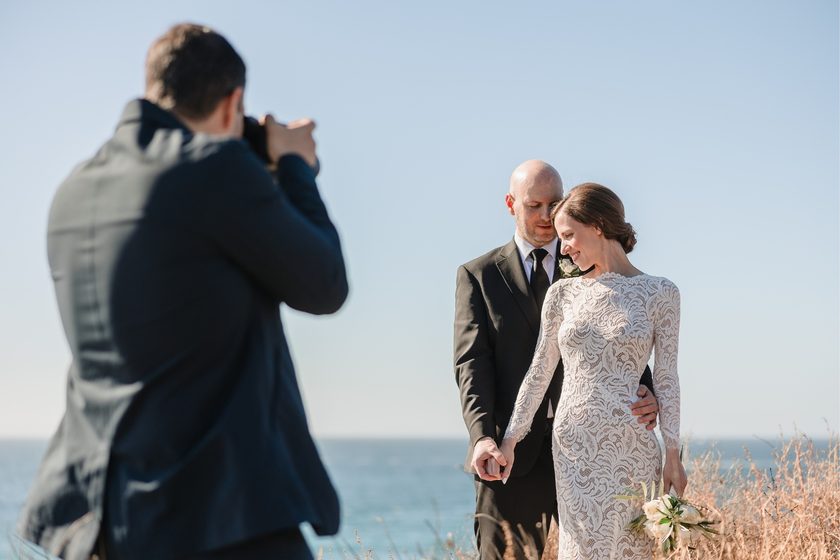
A photographer framing a bride and groom on a coastal clifftop.
01

A method, not a memory

Most posing apps hand you a pile of photographs and wish you luck. Foundation posing is a system: five structural positions, and one command that moves a couple between them.

Learn the door hinge and you can direct an entire session in six words — open, close, stack, reverse. It works the same on a couple who have never been photographed as on one who have.
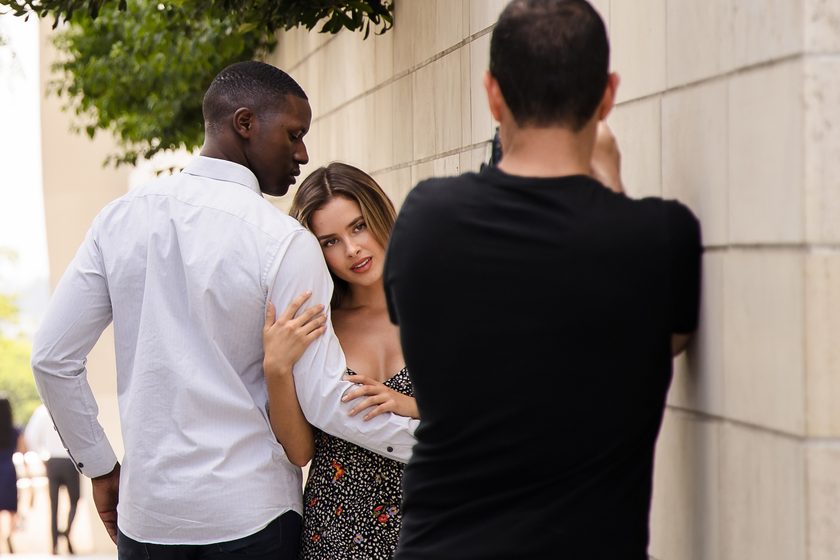
A photographer posing a couple against a wall, hands guiding their position.
02

Every card tells you what to say

This is the part no reference library gives you. Each pose carries the prompt that gets the emotion, the direction that places their bodies, the adjustments that fix a stiff frame, and the mistakes to watch for.

Written in Pye's voice, so you are not translating a photograph into instructions while a couple stands waiting.

Pye's tip

Lean in and purr like a kitty cat — because that’s what it looks like in the photograph.
From “Four Tips on Communication and Ten Useful Cues”
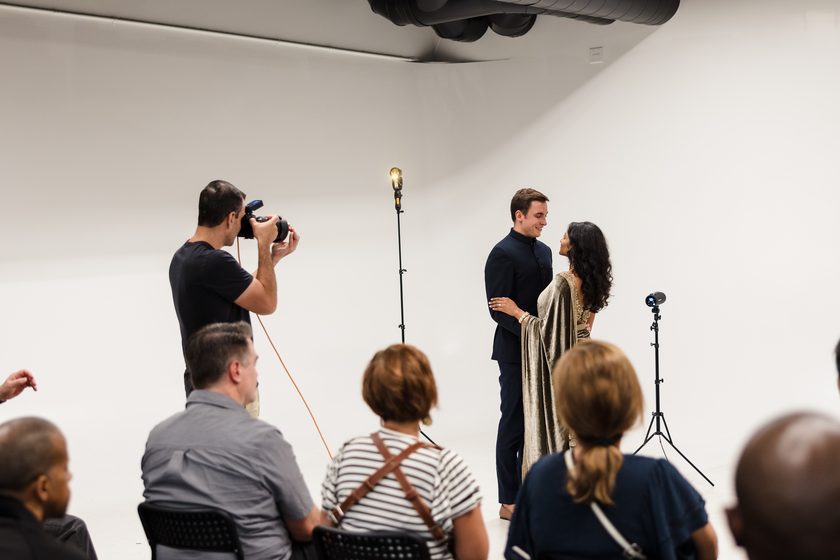
A photographer demonstrating a shot to a seated workshop audience.
03

The complete workshop, included

Seven chapters. Sixty-three lessons. Watch Pye build the whole system from the ground up, in order — mindset and communication, then couples, bride, groom, wedding party and family.

Pose cards link straight into the moment he demonstrates them, so the reference and the teaching are never separated.

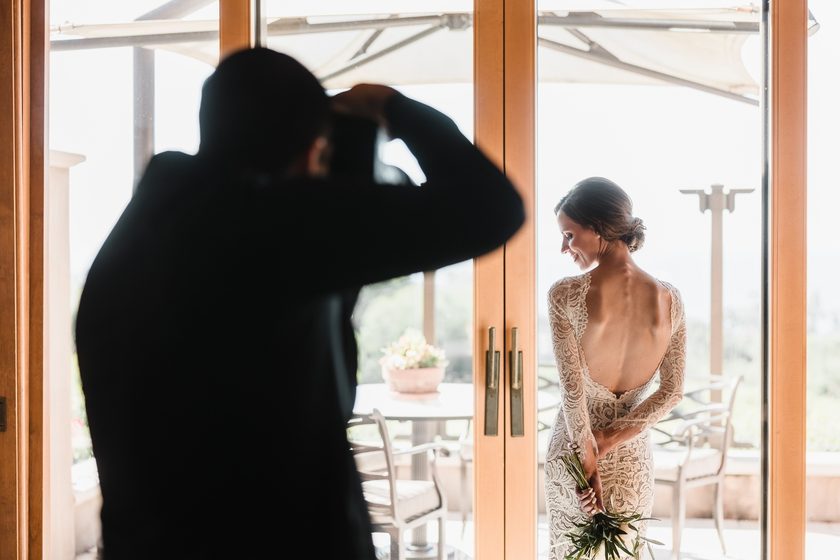
A photographer silhouetted in a doorway, photographing a bride by the window.
04

Built for the wedding day

Save poses to a board for an upcoming wedding, add the shoot date, and the board becomes an on-day checklist you can work through and tick off.

The Light Tracker gives you golden hour, sunset and blue hour for where you are standing — so you plan the portraits around the light instead of noticing it has gone.

Where it comes from

The system his own studio runs on.

Pye Jirsa is the co-founder of Lin & Jirsa Photography and SLR Lounge. Foundation posing is the system his studio teaches its own photographers, and it is the best-selling workshop SLR Lounge has published.

Every photograph in the app is a real Lin & Jirsa wedding. Nothing is stock, nothing is crowdsourced, and nothing is there to pad a number.


Pricing at launch

Seven days free. Then one plan.

There is no free tier and no advertising. Subscriptions are billed through the App Store and can be cancelled any time before the trial ends. Prices shown in US dollars and may vary by region.

Now available

Cue & Capture is on the App Store.

Download on the App Store

If you need to reach us, the support page has an address that a human reads.